In today's digital age, lithium-ion batteries are deeply integrated into every aspect of our daily lives. From smartphones and laptops to cars and drones, lithium-ion batteries power a wide range of devices. Therefore, when one of them stops charging, it can be quite a hassle. In this article, we will explain in detail how to fix a lithium ion battery that won't charge.
How to Fix a lithium-ion battery That Won't Charge?
● Low-voltage charging method
When a lithium-ion battery has been left unused for an extended period and enters a low-voltage state due to self-discharge, it may not charge properly. In this case, the low-voltage charging method can be used. This involves using a charger with low voltage and low current for gentle charging, and then gradually increase the charging level to the normal level suitable for the lithium-ion battery.
● Replace the charger
If the lithium-ion battery isn’t charging, the charger might be the issue. For example, with a smartphone’s lithium-ion battery, if the charging cable or charging port is damaged, charging will not be successful. The damaged parts need to be replaced in a timely manner, and it is advisable to give priority to using the original charging device.
● Multiple charge-discharge cycles
Fully discharge the lithium-ion battery to a low power level, and then charge it to full capacity. Repeat this process several times, which can improve the battery performance to a certain extent and enable it to regain part of its charging capacity.
● Professional maintenance
If none of the above methods resolve the issue, it may be time to seek professional repair.
How to Ensure the Safety of Lithium Batteries?
● Charge correctly
Firstly, always use the compatible original charger. Since different lithium batteries have different requirements for voltage and current, using a non-original charger is likely to lead to slow charging, battery overheating, or even damage to the battery.
Secondly, follow the principle of "shallow charging and shallow discharging". Charge the battery when it reaches about 20% to 80% of its capacity, and unplug it immediately once it is fully charged. This helps avoid deep discharges and overcharging, which can accelerate battery aging.
● Avoid high-temperature and low-temperature environments
Lithium batteries are temperature-sensitive, and both high and low temperatures can impact their lifespan. To ensure optimal performance, it is essential to store and charge the battery in a controlled environment between 20°C and 25°C.
● Prevent physical damage
Physical damage can be extremely harmful to lithium batteries. Exercise caution during daily use, storage, and installation/removal. Avoid impacts, squeezing, or punctures during use to prevent damage to the battery's internal structure and electrode short circuits.Scratches from sharp objects can damage the casing, causing the battery cells to become damp and oxidized.
● Store at an appropriate charge level
If the lithium-ion battery needs to be stored for an extended period, maintain it at an appropriate charge level. Ideally, the battery should be stored at around 40% to 60% capacity. At this charge level, the chemical activity inside the battery remains relatively stable, which helps reduce self-discharge and slow down the aging process.
● Choose a reliable lithium-ion battery
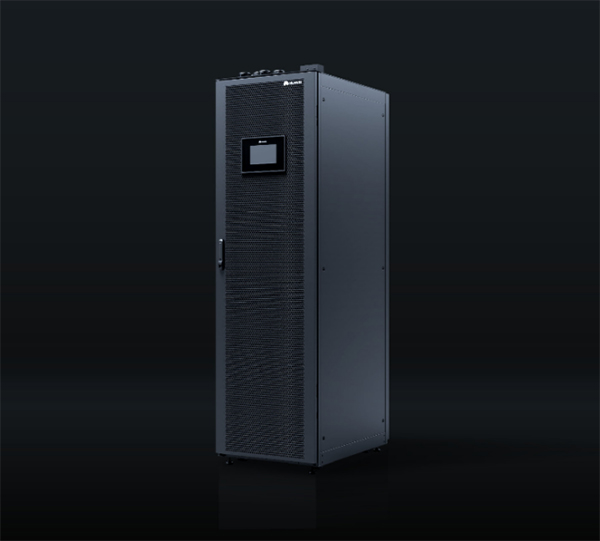
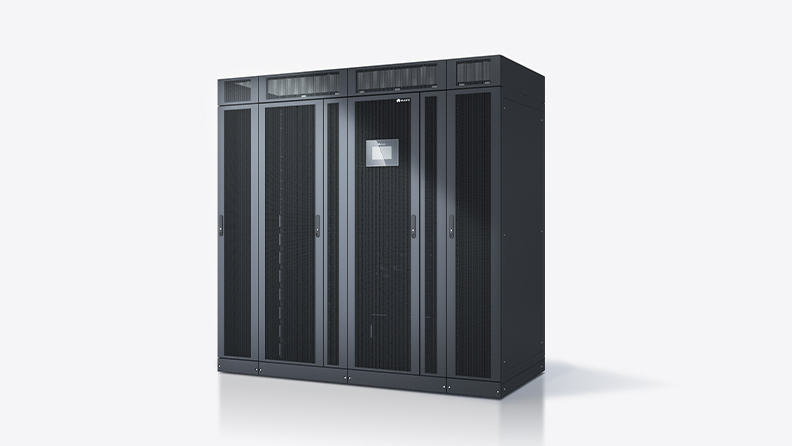
Choosing a reliable lithium-ion battery is also the key to ensuring safety. For example, Huawei SmartLi uses high-consistency LFP cells that do not catch fire in case of punctures, ensuring high reliability. It is equipped with pack-level fire extinguishers that automatically trigger at high temperatures and can accurately suppress the thermal runaway of cells. Moreover, it has intelligent fault prediction and multi-level BMS protection, enabling users to use it with greater peace of mind.
Conclusion
In conclusion, a lithium-ion battery not charging is not an unsolvable problem. If you are not sure about how to fix a lithium ion battery that won't charge, try the methods outlined above to resolve the issue.
FAQs
Can lithium-ion batteries be replaced?
Generally speaking, most lithium-ion batteries in devices are replaceable. For portable electronics such as mobile phones and laptops, the batteries are usually designed to be replaceable, which is convenient for users to replace the batteries when the battery degrades or malfunctions. However, some devices, aiming for slimness or better sealing, feature non-removable battery designs. In these cases, replacing the battery requires specialized tools and technical expertise.
What to do if my lithium-ion battery is not charging?
First, check whether the charger and charging cable are functioning properly. Try swapping out the charger and cable to see if that resolves the issue. Then, ensure that the battery is properly connected to the device and clean any dust or debris from the charging port. You can also try to "activate" the battery with a low-voltage, low -current charger or try multiple charge-discharge cycles. If these methods don’t work, it is likely that the battery itself is faulty, and you should consult a professional technician.
Will the lithium-ion batteries alarm when they run out of power?
Most electronic devices with lithium-ion batteries emit a warning when the battery is nearing depletion. The device usually notifies the user through sounds, vibrations, or screen alerts, giving ample time for the user to recharge the battery before the device shuts down due to insufficient power.
Is it possible to recharge a lithium-ion battery that is completely empty?
A completely dead lithium-ion battery can usually be recharged. However, over-discharging may damage the battery and reduce its lifespan and performance. If the battery remains completely discharged for a long time, it may experience a phenomenon called "battery starvation," making it unable to charge normally. In this case, you can try to activate the battery using special methods, such as using a low-voltage charger.
Disclaimer: Any views and/or opinions expressed in this post by individual authors or contributors are their personal views and/or opinions and do not necessarily reflect the views and/or opinions of Huawei Technologies.